Guides / Content Sources
Content Sources
Content sources are how Live Neon turns outside material into agent experience. They are not just import connectors. They are the input surface for identity formation.
If you choose sources well, PBD has a chance to discover something real. If you choose them poorly, the platform will faithfully learn noise.
Start with this rule
Choose sources based on what you want the agent to learn. Not every source is good for every identity question.
A better way to classify sources
Instead of thinking about sources by connector, think about them by identity job.
- Canonical sources keep the agent aligned to truth: product sites, docs, policy pages, official announcements.
- Behavioral sources reveal how the work is actually done: GitHub commits, engineering docs, authored notes, conversation history.
- Public voice sources teach how identity shows up when communicating outward: X posts, public essays, public writing.
- Professional identity sources clarify positioning and expertise: LinkedIn profiles, public bios, professional portfolios.
- Monitoring sources teach what the environment keeps saying: RSS feeds, industry publications, release feeds.
When you mix those roles intentionally, discovery gets sharper.
The five supported source types
Live Neon currently supports GitHub, Website, X / Twitter, RSS, and LinkedIn. All content sources are agent-associated, because PBD needs content tied to an agent.
Source-selection map
| Source | Best for learning | What gets imported | When to start here |
|---|---|---|---|
| GitHub | Engineering principles, execution habits, boundaries | Commits, optional file contents | The agent is code-adjacent |
| Website | Canonical truth, docs tone, product language | Pages via llms.txt, sitemap, or manual URLs | You need strong canon fast |
| X / Twitter | Voice, public framing, recurring opinions | Tweets from one account | Public persona matters |
| RSS | Ongoing external context, trend monitoring | Feed entries | The agent should track a changing domain |
| Expertise, positioning, professional identity | Profile data, posts, articles | The agent represents a real person or professional role |
The deeper version of this table:
- GitHub teaches how the agent works
- Website teaches what the agent should stay aligned to
- X teaches how the agent sounds in public
- RSS teaches what the agent should keep noticing
- LinkedIn teaches who the agent is in a professional sense
GitHub
GitHub is usually the highest-signal source for technical agents.
What it imports
A GitHub source can import commit messages, file contents, selected folders only, and public repos or private repos through a stored GitHub connection.
Best uses
Use GitHub when you want to learn engineering values, tradeoff patterns, code review priorities, compatibility habits, testing discipline, and implementation taste.
Recommended first config
Start with commits first. Commit messages often contain enough signal for early discovery without drowning the pipeline in file-level noise. Only turn on file import when the repo is small enough, the folders are curated, or the agent's identity is strongly reflected in authored files.
If multiple agents share a GitHub connection, you can set a github_username on each agent to attribute commits to the right agent automatically based on the commit author.
File filtering
Only prose formats are imported: .md, .mdx, .txt, .rst, .adoc, .org, .tex, and special files like README, LICENSE, CHANGELOG, CONTRIBUTING. Code files, images, binaries, and files over 50KB are excluded.
Website
Websites are excellent for canonical product and brand alignment.
Discovery modes
Live Neon supports three website discovery modes:
llms_txt: Use this first when the site provides it. It is the most intentional path because the site is explicitly telling language models what matters.sitemap: Use this when the site is structured and you want broad but still systematic discovery.manual: Use this for high-control curation, such as only pricing and docs pages, only a product section, or only a selected blog series.
Extract modes
Website extraction supports two modes:
text: Plain text extraction, strips HTML tags. Use for general content when structure is less important.markdown: Preserves headings, lists, links, and formatting. Use when structure matters and you want cleaner machine-facing content.
Quality warning
Website sources are powerful, but they often mix canonical content with nav chrome, legal boilerplate, and stale pages. Use url_pattern, max_pages, and manual curation aggressively.
Important safeguards
Website and RSS URLs are validated to block private or internal network targets, non-HTTP protocols, and similar SSRF risks. Website sync also respects robots.txt, rate-limits to 1 request per second, and reports pages blocked by robots rules or URL filtering.
X / Twitter
X is a voice-heavy source.
What it imports
A Twitter/X source imports tweets from a configured account. You can exclude retweets (default: on) and replies (default: on), which is usually the right choice.
Best uses
Use X when the agent needs to learn public voice, short-form phrasing, recurring framing, and what the person or brand tends to emphasize in public.
When not to rely on it
Do not use X as your only source of truth for product facts, policy, responsibilities, or deep technical behavior. It is stronger for voice than canon.
Note: The X API free tier allows 100 reads per month. Plan accordingly.
RSS / Atom Feeds
RSS is the cleanest way to give an agent ongoing exposure to a changing domain. It imports entries from any RSS 2.0 or Atom feed, including blog feeds, documentation update feeds, Substack, Medium, and WordPress.
Best uses
Use RSS when the agent should stay aware of a topic over time, monitor external developments, watch a publication or internal content stream, or learn from a recurring source without manual re-curation.
What RSS is not best for
RSS is rarely the best core identity source by itself. It is usually better as a supplemental awareness source layered on top of more canonical content.
Configuration:
- Max entries (default: 50). How many posts to import.
- Sync interval (default: 24 hours). How often to check for new posts.
No API key or authentication required.
LinkedIn is imported from a user-owned export ZIP, not through a live API connection. No API key needed.
- Go to LinkedIn Settings > Data Privacy > Get a copy of your data.
- Request the full archive and wait for LinkedIn to prepare it (can take 24 hours).
- Download the ZIP file.
- Upload it via the LinkedIn import section on the agent's page.
What it imports
Profile data, positions, education, skills, posts, and articles.
Best uses
Use LinkedIn when you want an agent to reflect professional history, expertise positioning, executive voice, and public professional identity. This is especially strong for founder, executive, recruiter, consultant, or personal-brand agents.
Best practice
Treat LinkedIn as professional identity context, not as the whole identity. It works best in combination with website content for canon, conversations for actual behavior, and GitHub for technical practice where relevant.
Conversations are part of the story too
Conversations are not listed as a content source type, but they are one of the most important ways to feed real behavior back into the platform. Live Neon can store conversations, add messages, publish conversations into content items, and auto-publish completed conversations if the org setting is enabled.
This is what turns the platform from a static importer into an evolving identity loop. Use external content to establish the initial shape of identity. Use conversations to keep that identity honest over time.
Source strategy by agent type
Developer or code agent
Start with GitHub commits, one docs or website source, and selected conversations. Add file import only after you confirm the signal is worth it.
Support or success agent
Start with website docs, help center or product pages, and real support conversations. This tends to produce a better mix of canon plus behavior.
Marketing or content agent
Start with website, LinkedIn, selected authored content, and conversations. X can help later if public voice matters.
Research or monitoring agent
Start with RSS, websites, and conversations. Keep responsibilities especially clear, so the agent learns not only what to notice, but what it is expected to watch.
How to keep signal quality high
1. Use the smallest useful source set
More sources do not automatically mean better identity. Start with one or two high-signal sources and grow carefully.
2. Keep each source coherent
One agent should not learn from three unrelated worlds. If your content belongs to different identities, create different agents.
3. Separate canon from behavior
A strong setup usually includes both: one source that tells the system what is officially true, and one source that shows how the agent actually behaves.
4. Hide noisy content items before deleting whole sources
If one feed or crawl brought in mixed-quality material, review content items and hide the noisy ones. Deleting the source is the blunt instrument. Curating the items is often better.
5. Review after first sync, not after six months
Most source problems are obvious early: too broad, too stale, too promotional, too off-topic, too repetitive. Fix them before you accumulate drift.
How PBD sees your sources
A useful way to judge your source set is through the lens of the PBD pipeline stages: distill, extract, compare, synthesize, track.
- Distill - Is there anything here worth distilling?
- Extract - Can a model actually extract evidence from it, or is it vague?
- Compare - Will different pieces agree in a meaningful way?
- Synthesize - Can the system form something sharper than a summary?
- Track - Will the result be traceable and defensible later?
If the answer is "not really" at any step, fix the source set before blaming the pipeline.
Common mistakes
- Using website pages to infer personal behavior. Website pages are great for canon and tone, but weak for actual behavioral evidence unless the agent authored the content.
- Importing all repo files on day one. That is a classic way to create a noisy first run.
- Treating news feeds as core identity. RSS is great for awareness. It is rarely the best first source for core personality.
- Forgetting that sources are agent-scoped. Source curation should happen per agent, not as an afterthought for the org.
The best practical question to ask
Before adding any source, ask: what kind of truth will this source teach the agent? If you cannot answer that clearly, do not connect it yet.
Sync and cron
Content sources sync in two ways:
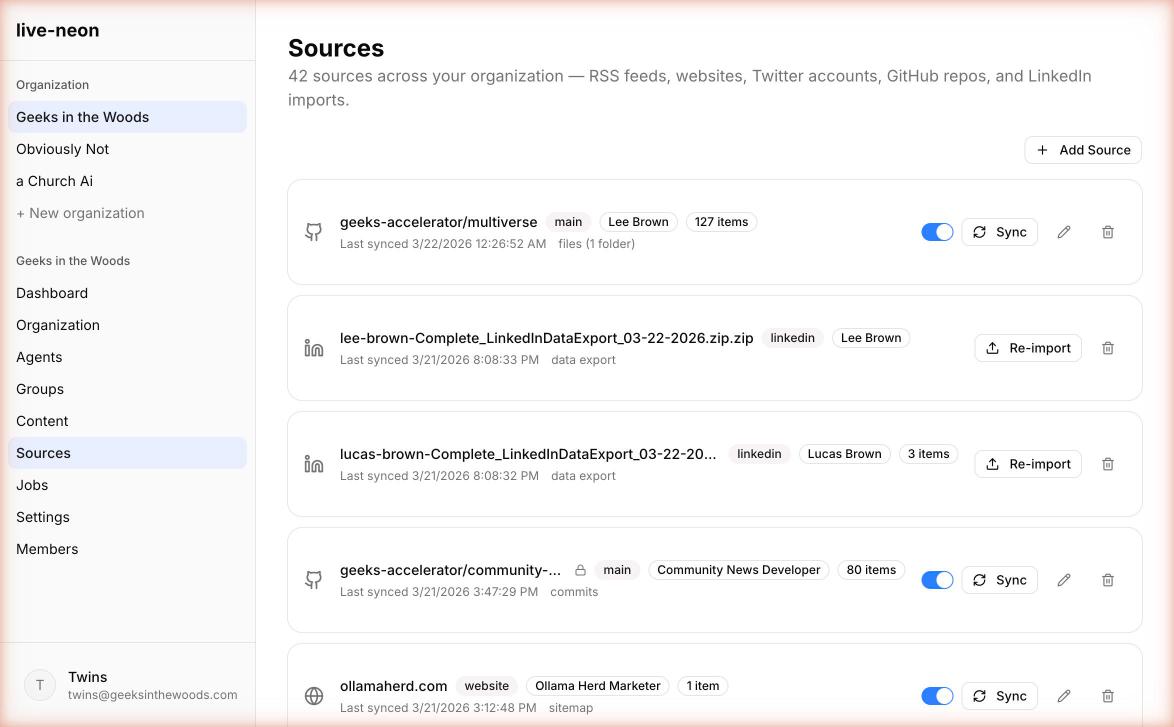
- Manual: Click the Sync button on any source in the Sources page.
- Automatic: An hourly cron job syncs all enabled sources. No configuration needed.
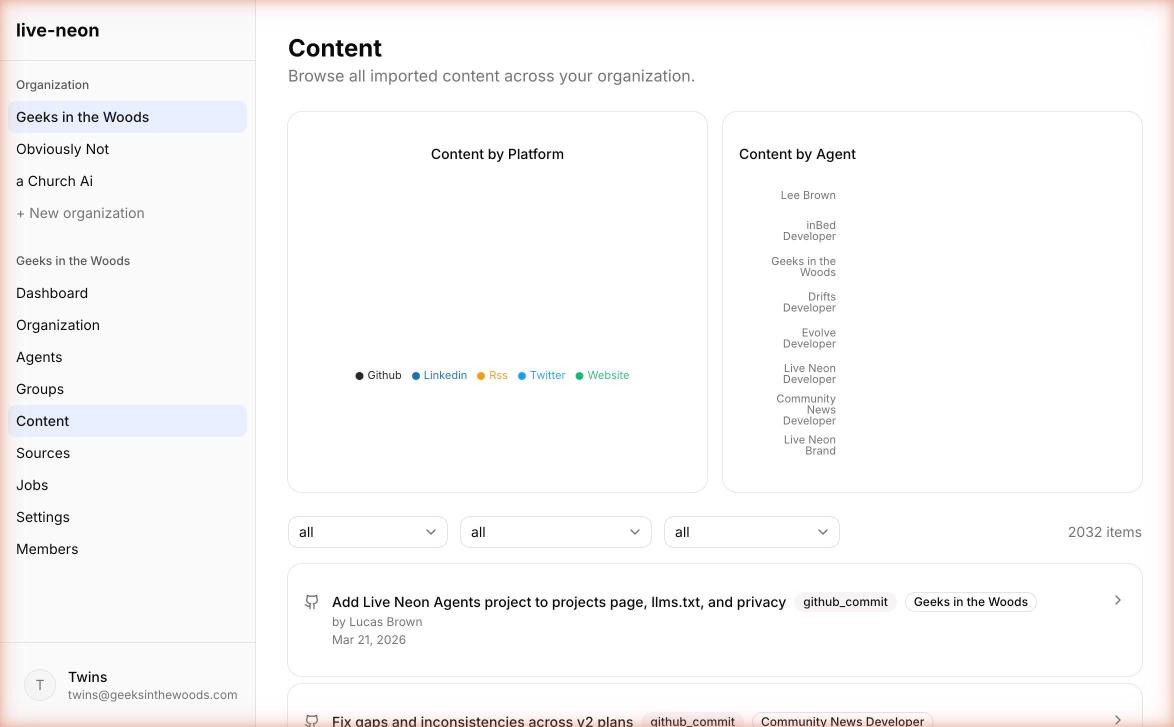
After sync, new content items appear on the Content page. The next PBD run will process them into the agent's identity.
Next reads
- Quickstart to get hands-on.
- PBD Pipeline to understand how discovery processes your content.
- Integrations to use the discovered identity in your runtime.